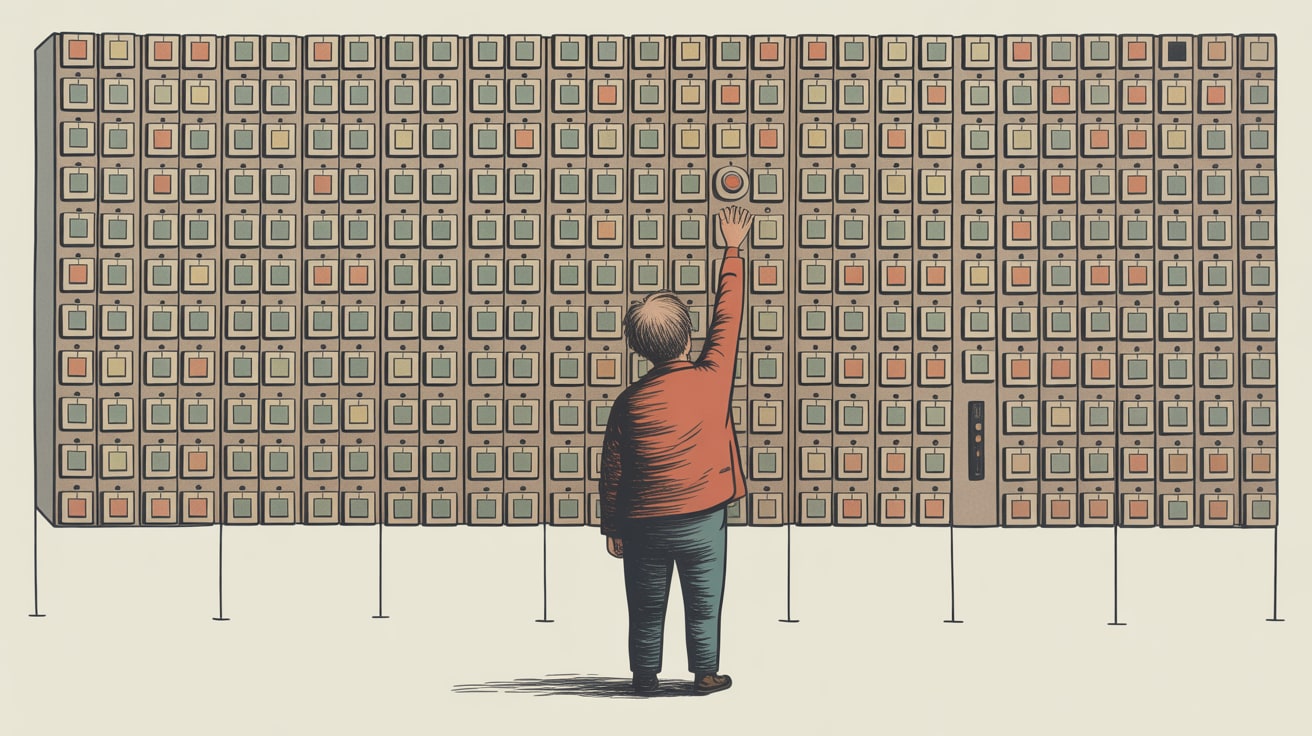
Most users don't want more AI features — they want fewer, better ones. Here's what that means for UX design strategy in Southeast Asia.
The gap between what product teams ship and what users actually want has always existed. But with AI features, that gap has become a canyon — and most design teams are still sprinting in the wrong direction.
Smashing Magazine’s Vitaly Friedman put it bluntly in a recent analysis: most people don’t want more AI in their lives, at least not in the form most AI product leaders are building. That’s not a lukewarm observation. It’s a direct challenge to the feature-velocity culture that’s consumed product roadmaps across Southeast Asia and beyond.
The Feature Assumption That’s Quietly Destroying UX
Here’s the default assumption baked into most AI product sprints: users are capacity-constrained, and AI should fill the gap. Give them an AI writing assistant, an AI image editor, an AI chatbot — stack the features and watch engagement climb.
Friedman’s analysis dismantles this logic. Users aren’t asking for more AI capability. They’re asking for less friction, less uncertainty, and less cognitive overhead. An AI feature that requires users to learn new interaction patterns, manage unpredictable outputs, or second-guess its suggestions doesn’t reduce burden — it creates a new category of it.
The irony is measurable. Products that have stripped AI to a single, highly reliable function — think Grammarly’s tone suggestions or Shopee’s search ranking nudges — retain users at significantly higher rates than those that ship broad AI suites. Utility depth beats feature breadth, consistently.
What UX Data Actually Shows About AI Adoption
Friedman’s piece points to a pattern that any honest analytics review will confirm: AI feature usage drops sharply after the first session. Users open it once, find it unreliable or confusing, and route around it permanently. The feature stays on the roadmap for optics; the user reverts to their original workflow.
This is a data visualisation problem as much as a design problem. Most product teams are measuring AI feature activation — did the user click it once? — rather than integration — did it change how they work two weeks later? Those are completely different signals, and conflating them produces roadmaps that optimise for demos, not retention.
For Southeast Asian markets specifically, this pattern carries extra weight. Mobile-first users on mid-range Android devices in markets like Indonesia or the Philippines are already managing constrained bandwidth and processing power. An AI feature that adds latency, increases app size, or disrupts a familiar UI pattern faces a steeper adoption curve than the same feature on a flagship device in Singapore. The design bar isn’t just higher — the failure cost is higher too.
The Human Touch Isn’t a Soft Concept — It’s a Design Specification
There’s a useful lesson hiding in an unlikely place: Pablo Stanley’s recent UX Collective essay on using the terminal as a creative canvas. His core observation — that constrained tools force clarity of intent — maps directly onto the AI UX problem.
When you remove the visual scaffolding and force a designer to work in plain text commands, every interaction becomes intentional. There’s no drag-and-drop ambiguity. That discipline produces cleaner outputs precisely because the tool demands specificity from the user.
The implication for AI UX design: human touch isn’t about making interfaces warmer or adding a friendly chatbot avatar. It’s about designing AI interactions where the user’s intent is the primary input, not an afterthought to be inferred. That means progressive disclosure of AI capability — surface one clear AI function prominently, gate the rest behind deliberate user action — rather than front-loading every available feature on first load.
LINE’s Thailand product team has quietly done this well. Their AI-suggested reply feature in LINE OA (Official Accounts) is surfaced as a single, dismissible chip below the compose field. It doesn’t restructure the UI or demand a new mental model. It sits there, offers one suggestion, and gets out of the way. Adoption is quiet but sticky — exactly the metric that matters.
Building the Business Case for Restraint
Here’s where this gets commercially interesting: fewer AI features done well is also a cheaper product to maintain, a faster product to test, and a cleaner product to explain to regulators in markets like Thailand and Vietnam, where AI disclosure requirements are tightening.
For design and product teams making the internal case for restraint, the argument isn’t philosophical — it’s financial. Every AI feature added to a product surface requires model inference costs, QA coverage, support documentation, and ongoing monitoring for output drift. A suite of ten undifferentiated AI features isn’t ten times the value of one well-designed feature. It’s ten times the overhead with a fraction of the retention.
Nielsen Norman Group’s upcoming October UX conference is addressing exactly this tension — how to build long-lasting UX skills in an environment where AI tooling is evolving faster than most teams can evaluate it. The durable skill isn’t knowing which AI features to ship. It’s knowing how to read user behaviour data clearly enough to know when not to ship them.
That’s a discipline that compounds. Teams who build it now will spend less time unwinding misaligned AI features in 2027.
Key Takeaways
- Measure AI integration, not activation — track whether users return to a feature after the first session, not just whether they clicked it once.
- Design for one clear AI function per surface — progressive disclosure outperforms feature suites on both adoption and retention metrics, especially in mobile-first Southeast Asian markets.
- Frame restraint as a cost and compliance argument — fewer AI features reduce inference costs, QA overhead, and regulatory exposure across markets like Thailand and Vietnam where AI disclosure rules are emerging.
The design teams that will differentiate their products in the next 18 months aren’t the ones shipping the most AI features — they’re the ones with the analytical discipline to ship the right one. The open question worth sitting with: how many AI features on your current product surface could you remove tomorrow, and would your retention numbers even notice?
At grzzly, we work with digital and product teams across Southeast Asia to connect UX decisions to the revenue and retention data that actually drives them — including helping brands audit which AI features are earning their place in the product and which are quietly costing more than they return. If your team is navigating the AI-in-product question right now, we’d be glad to think through it with you. Let’s talk
Sources

Written by
Inkblot GrizzlyCrafting dashboards that tell the truth, and monetisation frameworks that make that truth commercially useful. Turns abstract data assets into revenue-generating products for publishers and brands alike.