Accessibility isn't a feature or a compliance box. Here's why treating it as an operational capability changes how Southeast Asian teams ship better products.
Somewhere between the sprint planning and the pre-launch checklist, accessibility gets added to the bottom of the pile. Not because teams don’t care — most do — but because the system was never designed to surface it earlier. That’s the design failure worth fixing.
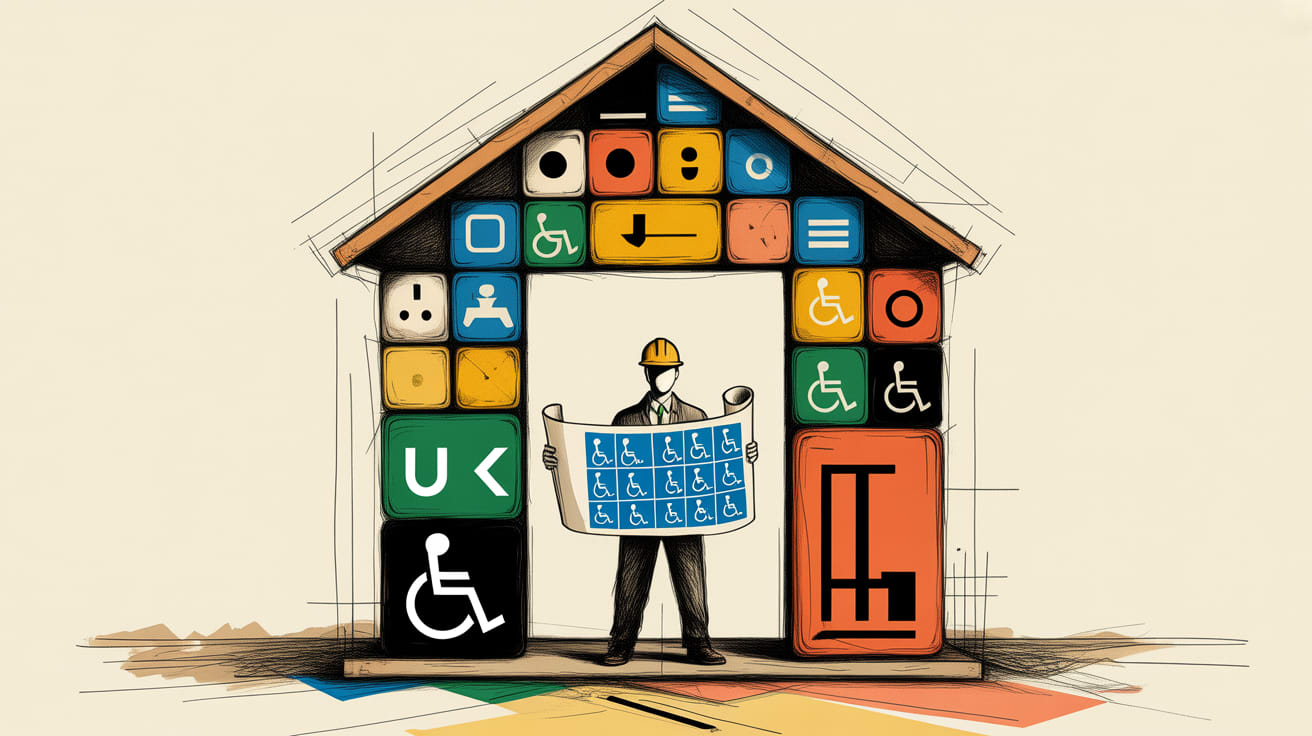
Smashing Magazine’s Mikhail Prosmitskiy makes a sharp argument: accessibility shouldn’t live in the audit column or the ‘nice to have’ feature list. It belongs in the operational layer — the same place you’d put security or performance. The moment you treat it as infrastructure rather than ornamentation, the whole conversation changes.
The Feature Trap Costs More Than You Think
The problem with treating accessibility as a feature is that features get deprioritised, deferred, and occasionally deleted. Operational requirements don’t. Prosmitskiy’s framing cuts through the usual guilt-trip narrative around inclusive design and replaces it with something more durable: a business continuity argument.
Consider the remediation math. Fixing an accessibility issue post-launch costs, on average, six to ten times more than catching it at the component design stage — a figure consistently cited in enterprise software research. For teams in Southeast Asia shipping across Lazada storefronts, LINE Mini Apps, and progressive web apps simultaneously, that multiplier compounds fast. A colour contrast failure in one component template doesn’t affect one page. It affects every page that inherits it.
The operational framing also changes who owns the problem. When accessibility lives in the audit, it’s the QA team’s problem. When it lives in the design system, it’s everyone’s baseline — including the engineer scaffolding the token library at 9am on a Tuesday.
What Operational Accessibility Actually Looks Like
Prosmitskiy is specific about what this shift requires in practice, and it’s worth unpacking. First, accessibility criteria need to enter the definition of done — not as a separate checklist item, but embedded in the acceptance criteria for every component. If your design system’s button component ships without documented focus states and ARIA label guidance, it’s an incomplete component, full stop.
Second, automated tooling needs to run in the pipeline, not just before launch. Tools like Axe or WAVE integrated into CI/CD catch the mechanical failures — insufficient contrast ratios, missing alt attributes, unlabelled form fields — before they reach staging. This isn’t a silver bullet; automated tools catch roughly 30–40% of WCAG failures. But they eliminate the noise so human review can focus on the genuinely complex judgement calls: Is this navigation pattern cognitively coherent? Does this animation respect prefers-reduced-motion settings?
Third — and this is the one that tends to get skipped — documentation needs to travel with the component. Not a separate accessibility wiki nobody reads, but inline guidance in the design system itself. Figma annotations, Storybook accessibility panels, token naming conventions that encode semantic meaning. The goal is making the accessible choice the path of least resistance for whoever picks up the component next.
The Inherited Template Problem
There’s a useful parallel in a different domain. A List Apart’s Shrey Shah recently traced how every modern language learning app inherited its pedagogy from 18th-century Prussian Latin instruction — a teaching method designed for a dead language, optimised for standardised testing rather than actual communication. The apps didn’t consciously choose a bad model. They inherited it, uncritically, because it was already there.
The same pattern runs through a lot of digital product accessibility practice. Teams inherit audit-at-the-end workflows from a compliance era when accessibility meant checking a legal box, not designing for real human variation. The method was built for a different problem. It got copied forward because changing it requires confronting the original assumption.
For Southeast Asian product teams, the inherited template problem has an additional wrinkle. WCAG was authored primarily with Western, high-bandwidth, single-language interfaces in mind. Mobile-first contexts — where a significant portion of users in markets like Indonesia, Vietnam, and the Philippines access digital products — create different interaction patterns. Touch target sizing that passes desktop review often fails on a 5-inch screen with a budget Android device. Screen reader behaviour on iOS in Thai or Bahasa Indonesia doesn’t always mirror the English-language documentation. These aren’t edge cases. They’re the median user experience.
Building the Business Case Upward
The operational capability argument is also the right one to make in a boardroom. Accessibility as compliance is a cost centre. Accessibility as operational quality is risk mitigation and market expansion simultaneously.
The numbers are there to make this concrete. The global disability market represents over a billion people with direct purchasing power estimated at $1.9 trillion annually, according to the Return on Disability Group’s research. In Southeast Asia specifically, aging demographics in Singapore, Thailand, and Malaysia mean the accessible design decisions you make today serve an expanding user base within a five-year product horizon. Add the halo effect — families of users with disabilities, situational impairments like bright sunlight on a mobile screen or one hand occupied — and the addressable audience for accessible interfaces is closer to universal than niche.
The stakeholder conversation shifts when you frame it this way. You’re not asking for budget to fix a compliance gap. You’re asking for investment in design infrastructure that reduces technical debt, expands addressable markets, and removes a category of post-launch incident from the risk register.
Key Takeaways
- Move accessibility criteria into your component acceptance definitions and design system documentation — not a separate audit phase.
- Run automated accessibility tooling in CI/CD pipelines to eliminate mechanical failures before staging, freeing human review for complex UX judgements.
- Frame the business case around risk reduction and market expansion, not compliance — particularly relevant in Southeast Asia’s growing and aging digital user base.
The teams that will own the next decade of digital product quality in Southeast Asia aren’t the ones who add accessibility to the end of their process. They’re the ones who make it structurally impossible to ship a component that doesn’t carry it forward. The question worth sitting with: if your design system disappeared tomorrow, would accessibility survive the rebuild — or is it only held together by one person’s institutional memory?
At grzzly, we help growth-focused brands in Southeast Asia build design systems and product frameworks where quality — including accessibility — is operational by default, not bolted on at launch. If your team is navigating the gap between fast-shipping and building for keeps, Let’s talk.
Sources

Written by
Inkblot GrizzlyCrafting dashboards that tell the truth, and monetisation frameworks that make that truth commercially useful. Turns abstract data assets into revenue-generating products for publishers and brands alike.